Multi-image fusion

AI Image Blender

Upload two to five references, describe the result you want, and get one blended image back.

01Upload images
Add 2–5 images. They upload when you start blending.

Drag images here, or click to select files

Supports JPG, PNG, WebP, GIF up to 10MB each, maximum 5 files. Aspect ratio within 3:1. Upload starts when you generate.

02Describe your vision
Add a short description or choose a preset.

Or pick a preset

💡Prompt tips⌄
  • Describe the style, mood, colors, or atmosphere.
  • Mention the elements you want to highlight.
  • Specific prompts usually create more consistent results.
03Generated results
Blended images appear here once generation finishes.

Waiting for generation

Upload images and describe the result to start.

What's included

Blend up to five references

Upload subjects, scenes, props, or materials. The model keeps each reference's identity while merging them into one composition.

Describe the result, not the steps

Write the outcome you want in plain language, up to 5,000 characters, or start from one of eight preset prompts.

Keep everything you make

Every generation lands in your gallery for 30 days, with its prompt and source images attached. Download the result as a PNG anytime.

Three examples / one workflow

Three ideas. One blend.

Start with real references, then describe the outcome you want. Each case below is a small recipe for turning separate images into one coherent result.

7 source images3 new worlds
01Character remix

Golden hour, with a twist

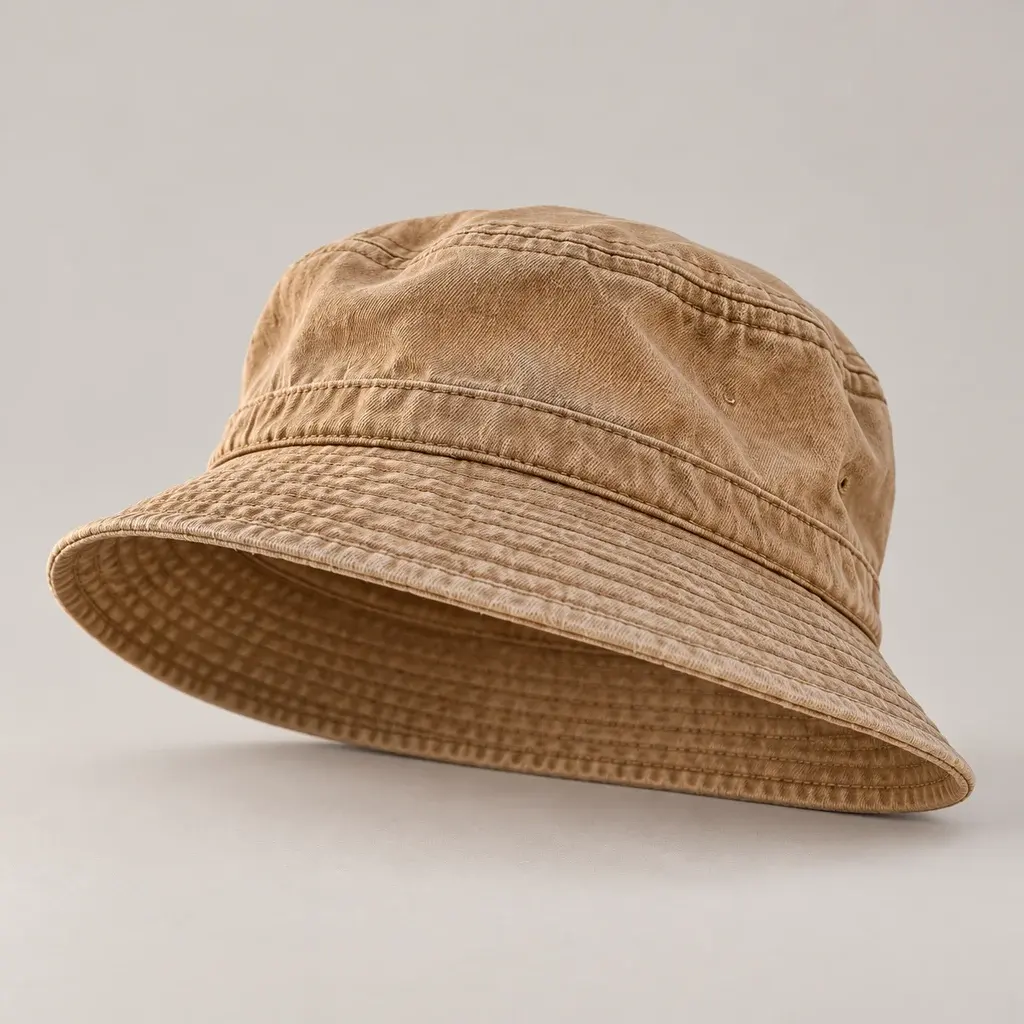
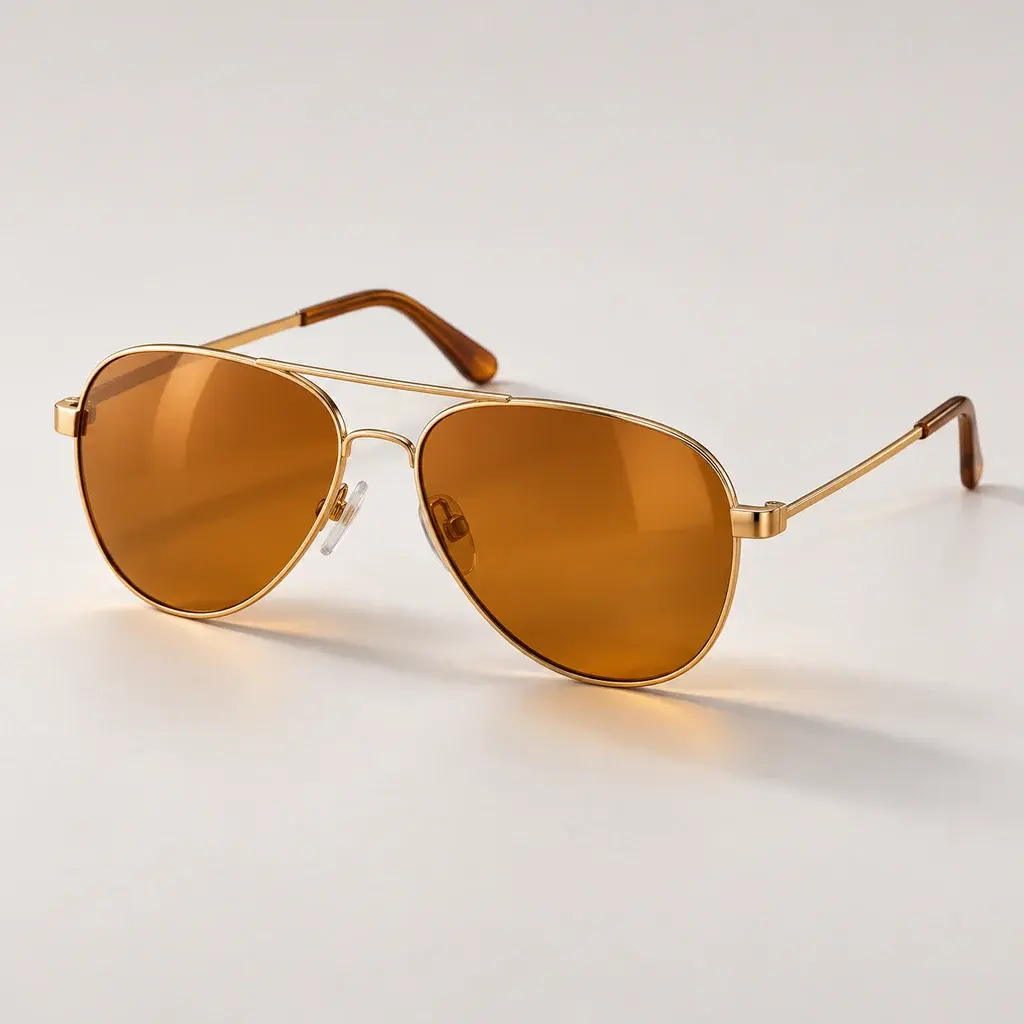
A dog, a bucket hat, and a pair of aviators become one new character. The references set the identity, materials, and mood.

Source images3 files
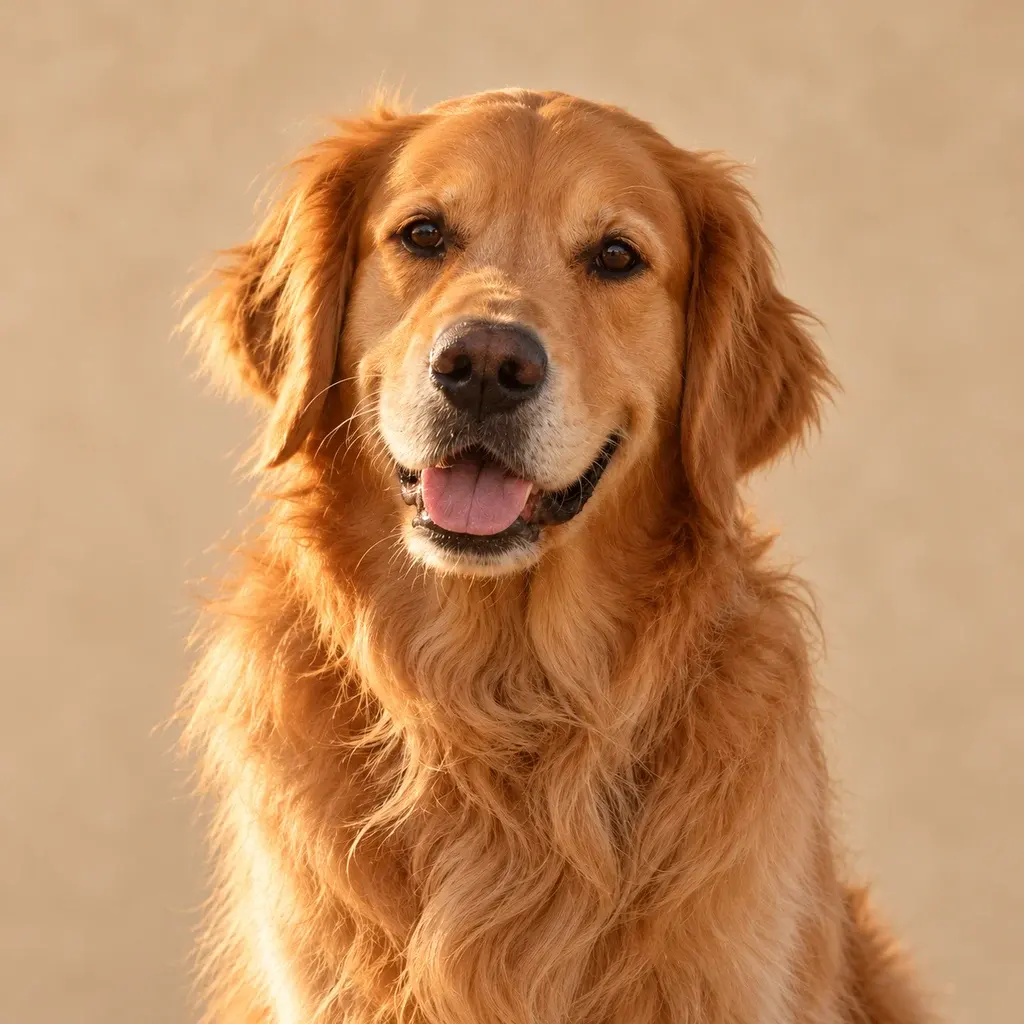
Golden retriever portrait used as the character reference
01Subject
Sand-colored canvas bucket hat used as an accessory reference
02Hat
Amber aviator sunglasses used as an accessory reference
03Glasses
Prompt

“Put the bucket hat and aviators on the golden retriever, then move the portrait to a windswept dune at golden hour.”

3 referencesIdentityAccessories
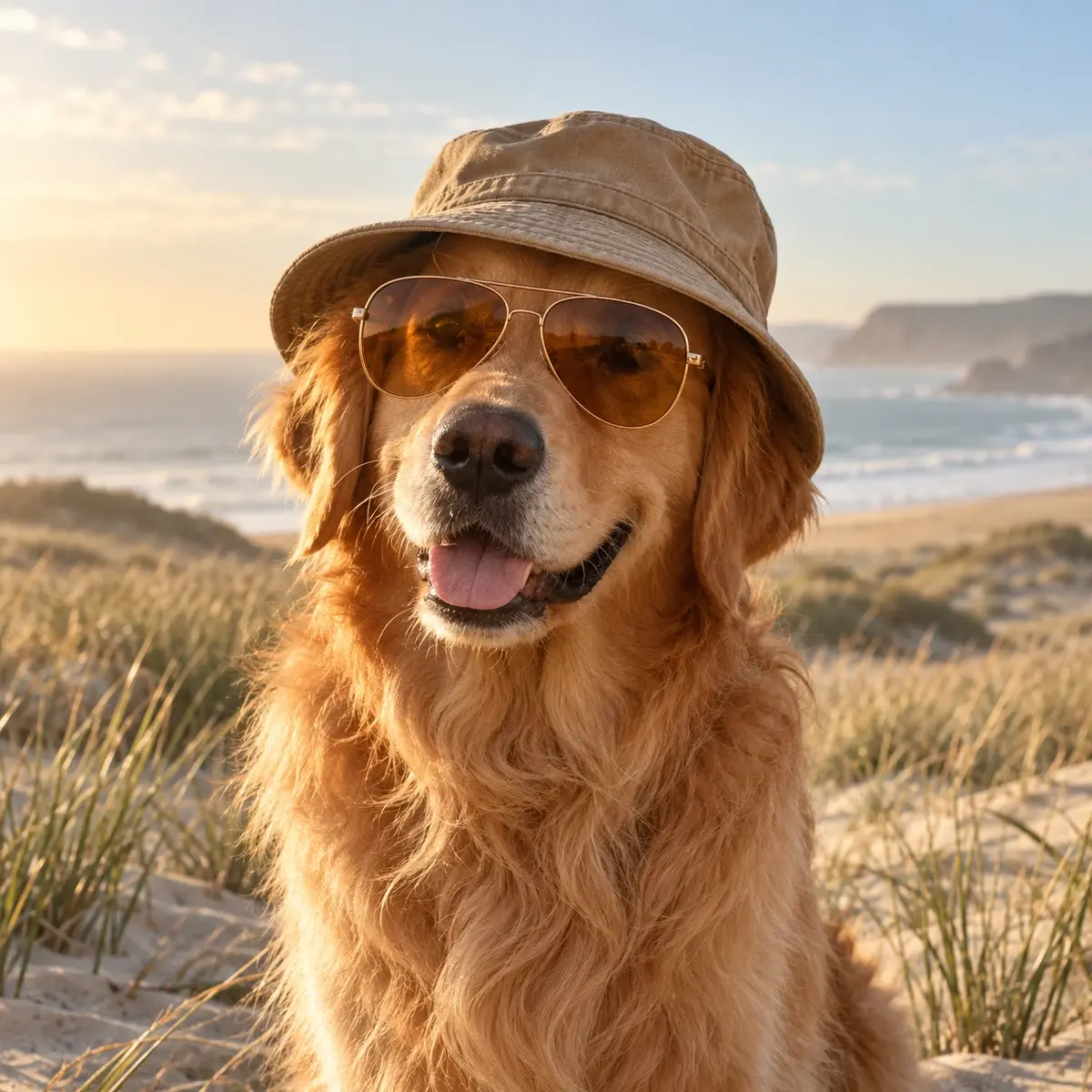
Golden retriever wearing a canvas bucket hat and amber aviator sunglasses on a coastal dune
Blended result01 / 03
1 image out
02Scene transplant

A better place to nap

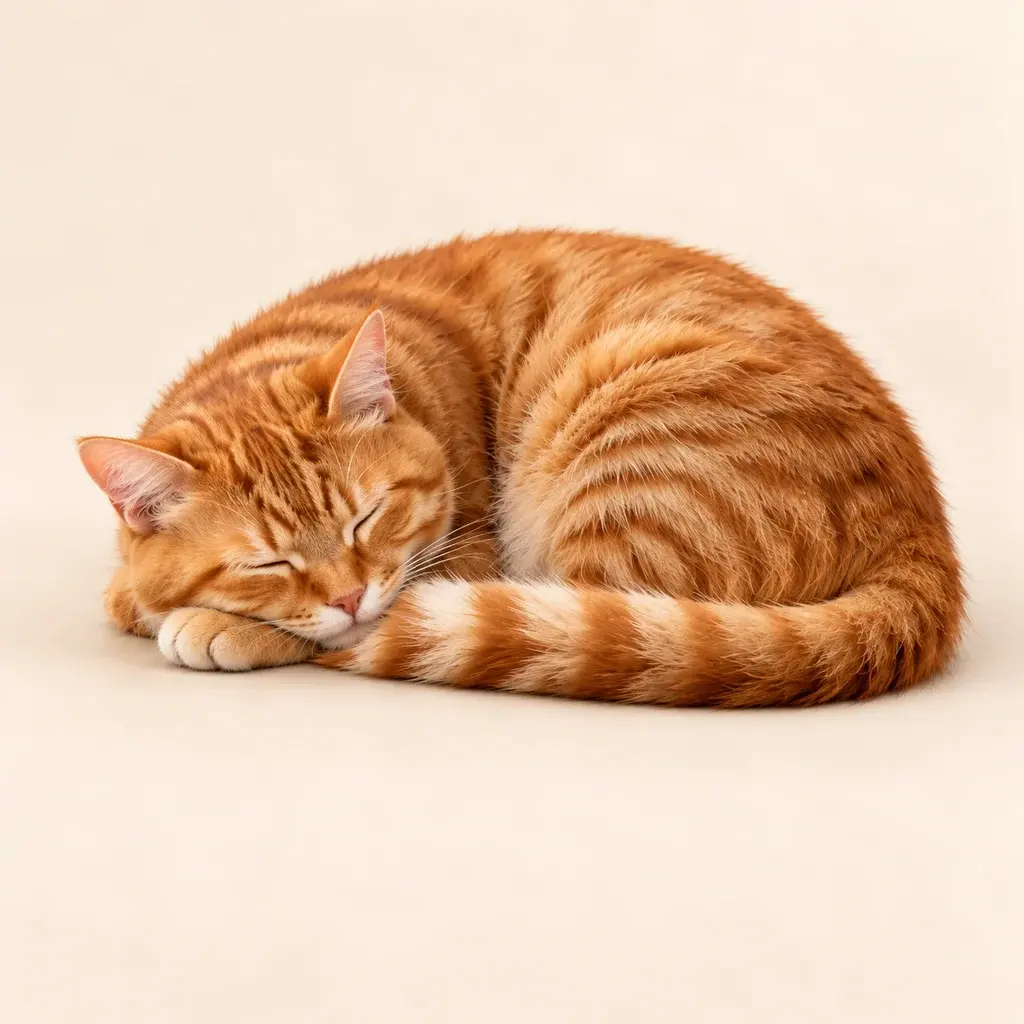
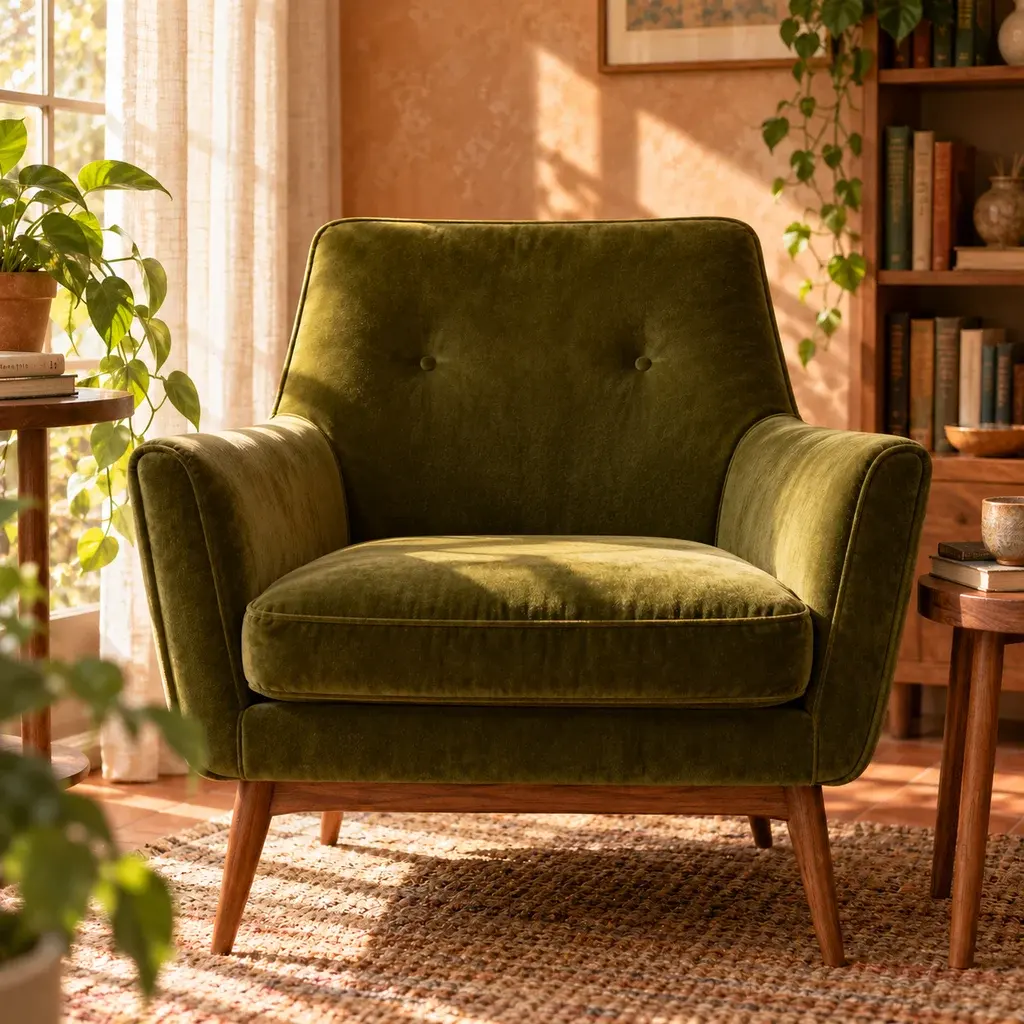
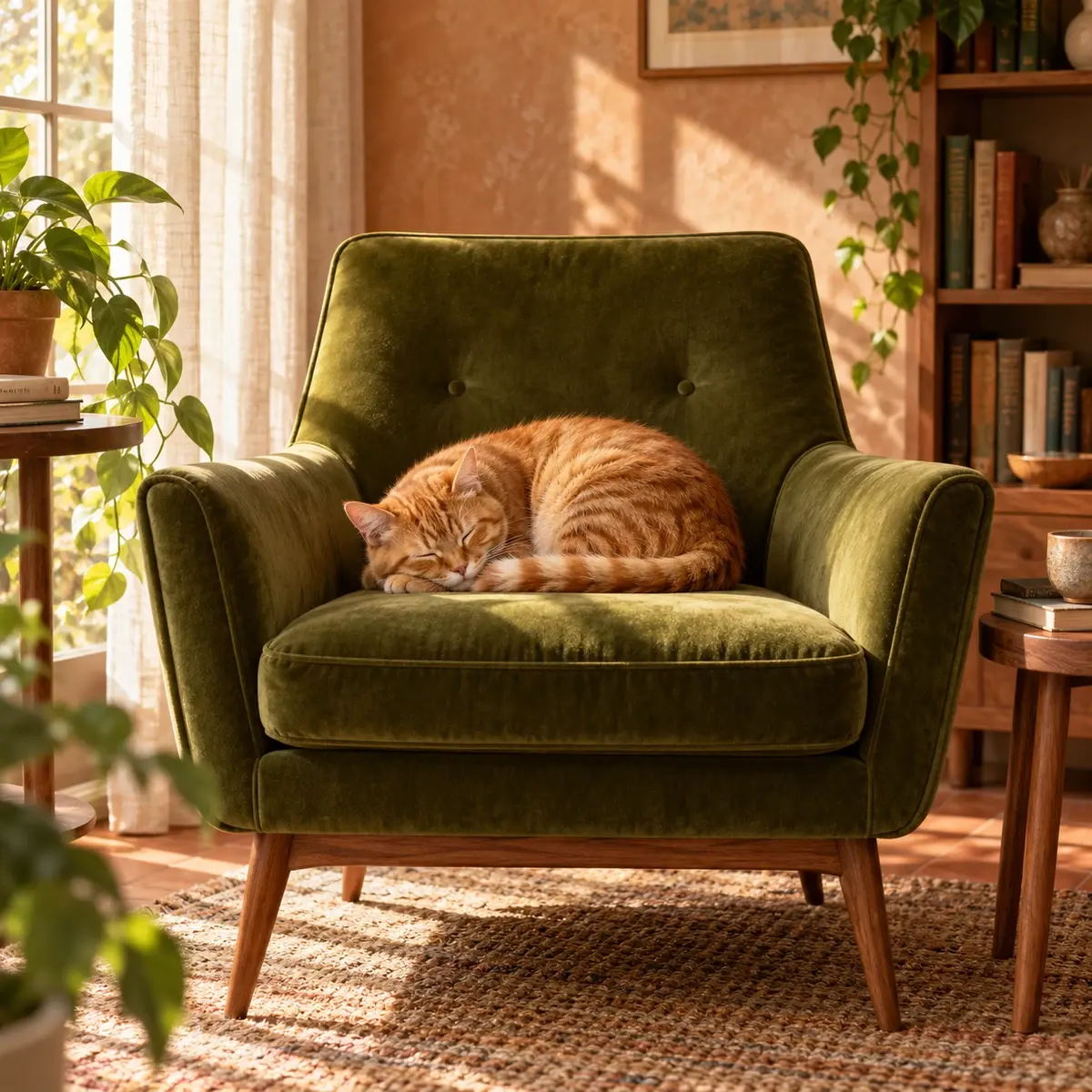
A studio pet portrait meets an inviting interior. The cat keeps its markings and pose while the chair supplies a completely new setting.

Source images2 files
Sleeping orange tabby cat used as the subject reference
01Subject
Empty green velvet armchair in a sunlit reading nook used as the scene reference
02Scene
Prompt

“Place the sleeping orange tabby on the moss-green velvet chair and keep the late-afternoon sunlight.”

2 referencesEnvironmentLight matching
Orange tabby cat sleeping on a moss-green velvet armchair in a warm sunlit reading nook
Blended result02 / 03
1 image out
03Surreal composite

An ordinary Tuesday on the moon

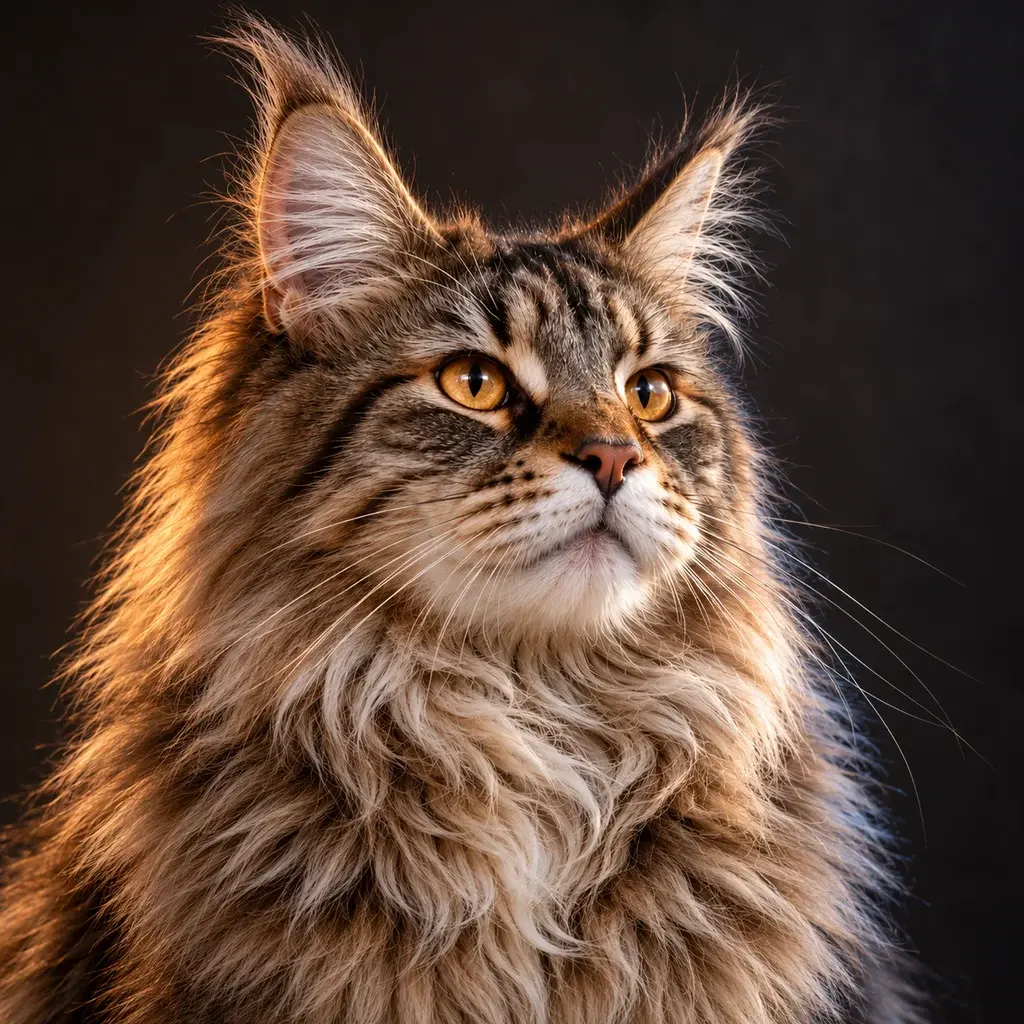
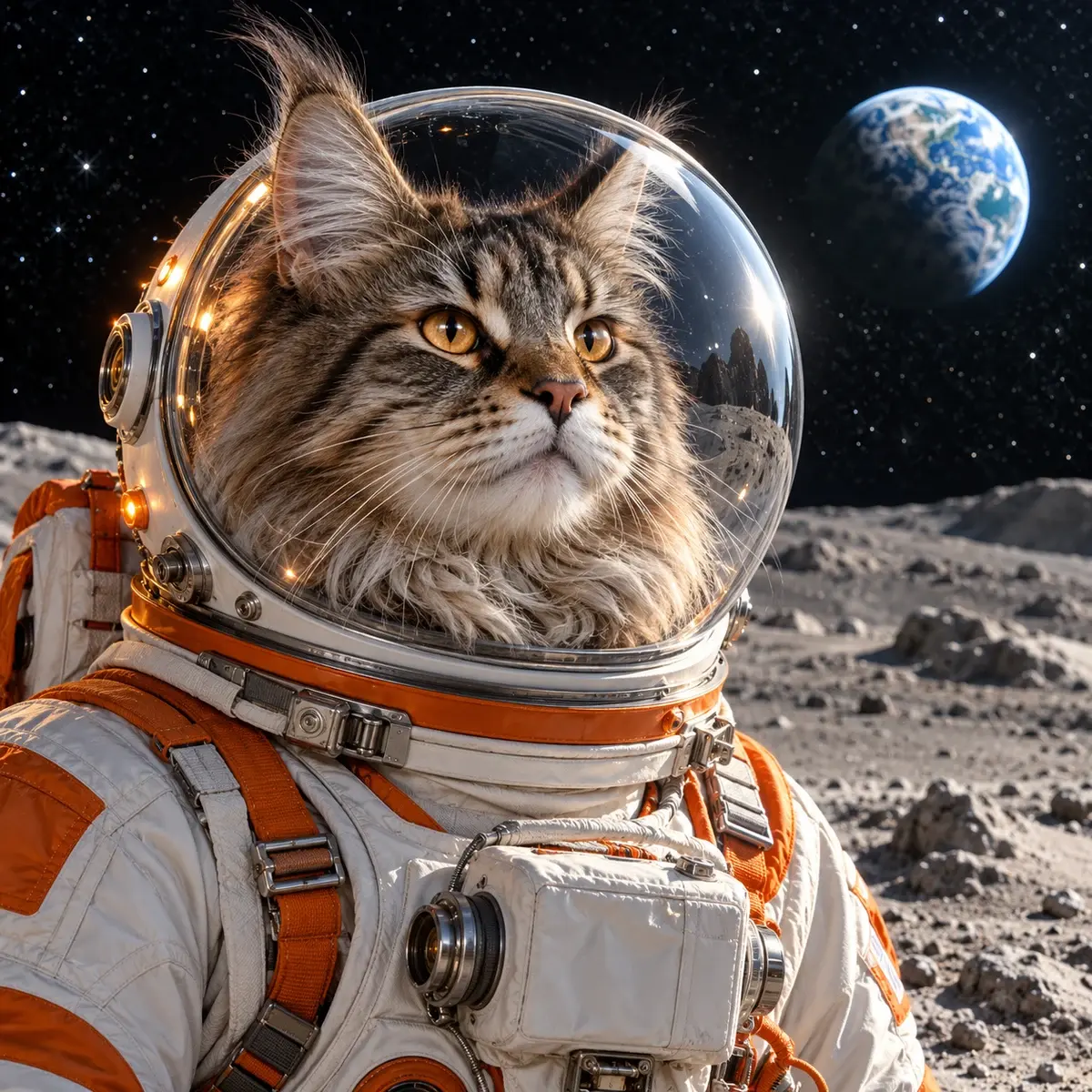
A studio portrait and a prop become a complete world, with fur, glass reflections, suit materials, and lunar light held together.

Source images2 files
Maine Coon studio portrait used as the character reference
01Subject
White and orange astronaut helmet used as the costume reference
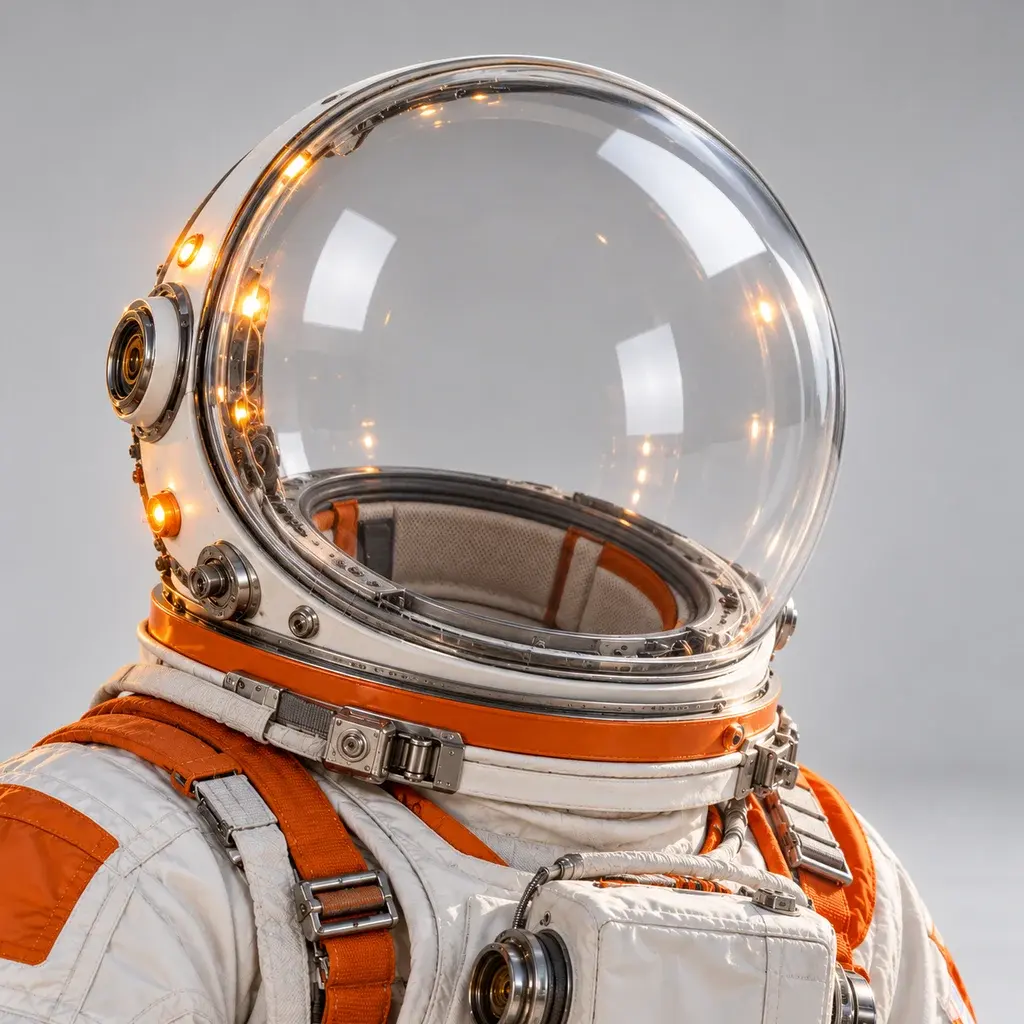
02Costume
Prompt

“Turn the Maine Coon into an astronaut in the white-and-orange suit, standing on the moon with Earth behind.”

2 referencesWorld buildingAdvanced
Maine Coon cat in a white and orange astronaut suit standing on the moon with Earth in the background
Blended result03 / 03
1 image out
FAQ

Frequently asked questions

Limits, billing, and what happens to the images you upload.